Coin Master
Updated
Current Version
3.5.2740
Offered By

With your passion for Coin Master, you shouldn’t have to limit yourself to the small screen of a phone. Play like a pro and take full control of the game using a keyboard and mouse. MEmu gives you everything you’re looking for. Download and play Coin Master on PC. Play as long as you want — no more worries about battery life, mobile data, or unexpected calls. The all-new MEmu 9 is the best way to play Coin Master on PC. With our expertly designed keymapping system, Coin Master feels just like a real PC game. The MEmu multi-instance manager lets you run two or more accounts on the same device at the same time. Most importantly, our exclusive emulation engine unlocks your PC’s full potential, delivering smooth and seamless performance.
Show more
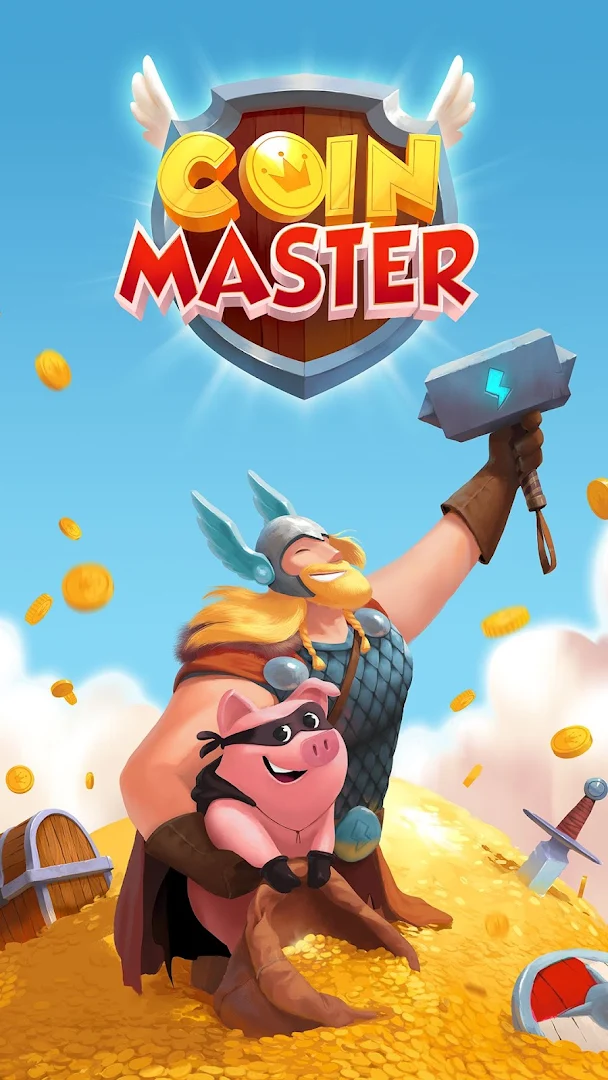
Download Coin Master on PC with MEmu Android Emulator. Enjoy playing on big screen. Join your Facebook friends and millions of players around the world for prize-winning spins as you build village after village on your journey to the top!
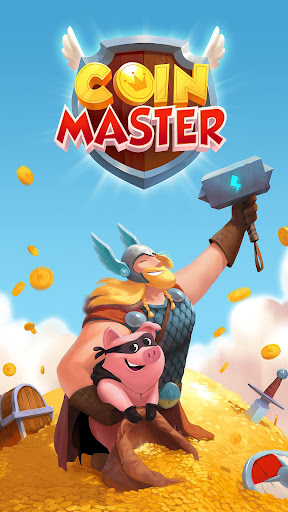
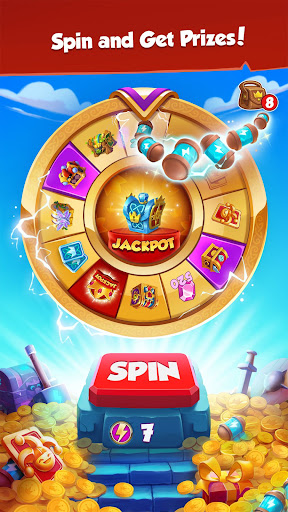
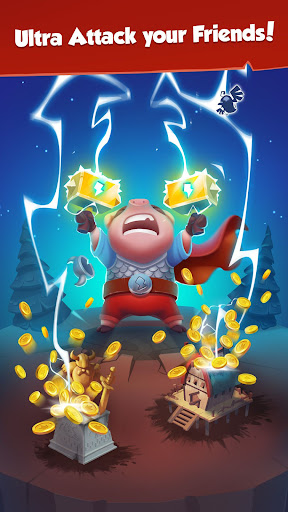

Join your Facebook friends and millions of players around the world for prize-winning spins as you build village after village on your journey to the top!
Do you have what it takes to be the next Coin Master?
Get ready to team up with friends for thrilling expeditions or join forces with a crew of fellow players. You’ll always find a new adventure with an ever-changing lineup of special events, packed with unique challenges and exciting surprises to keep you on your toes!
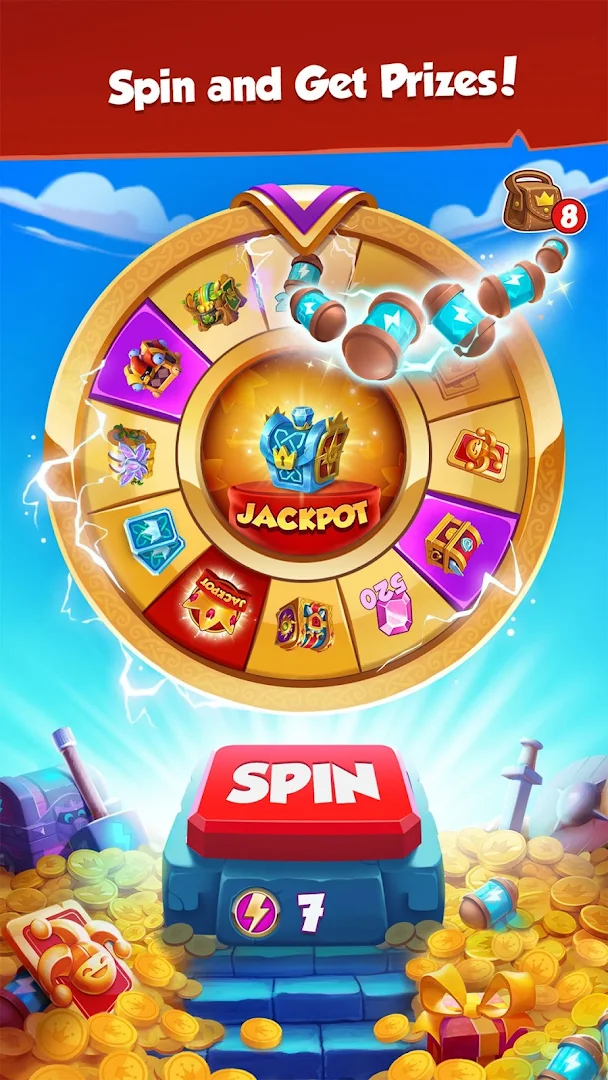
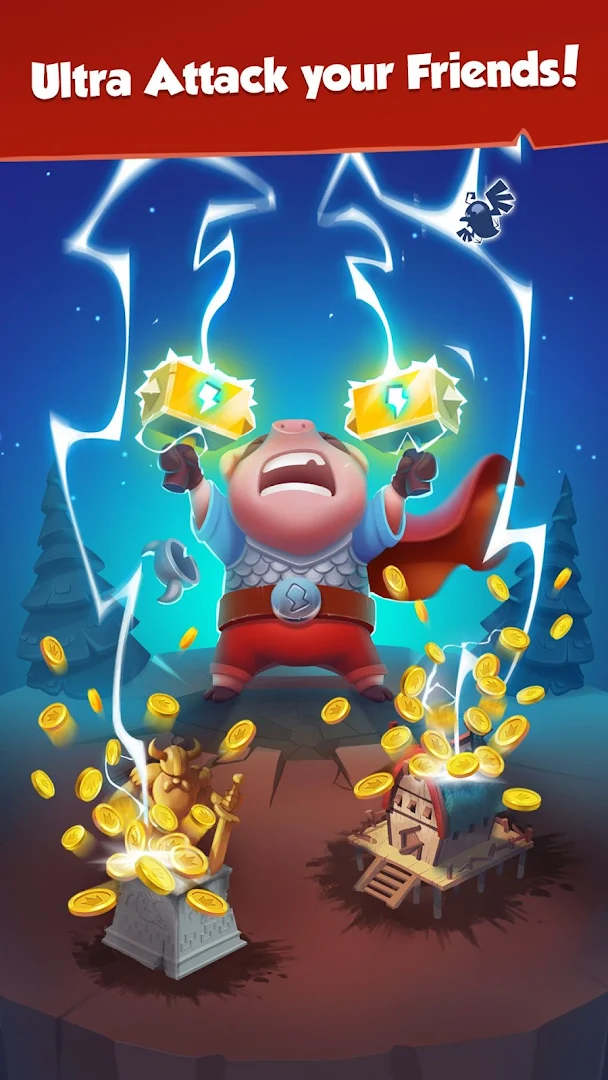
Spin and Attack!
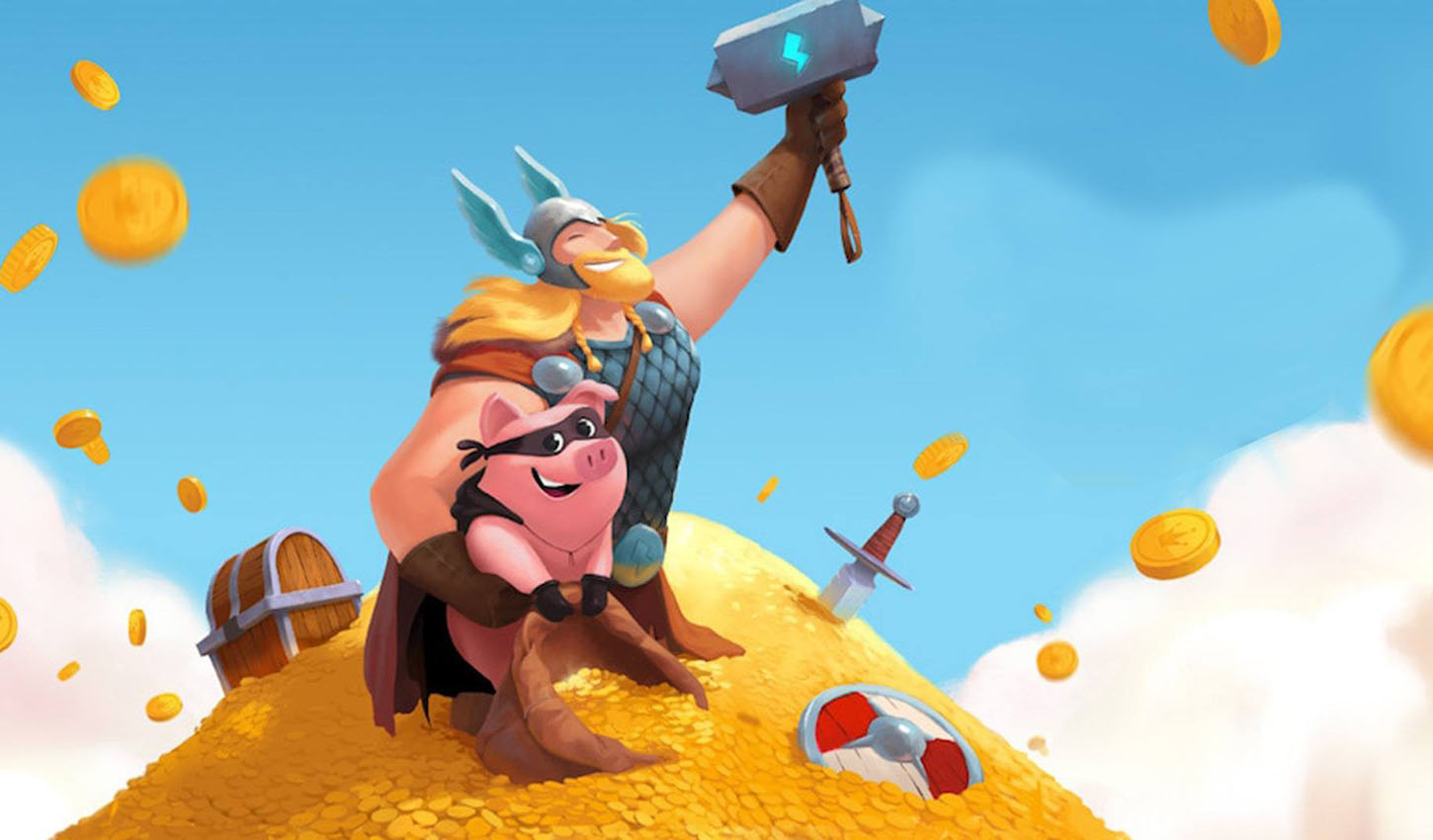
Spin the wheel to discover your fortune- or attack friends' villages and steal their coins to help build your own! You can also win gold sacks to build magnificent villages throughout the game and advance through thousands of levels. Don't forget to win shields from the wheel too—you'll need them to guard your village from other players trying to attack you back! Become the Coin Master with the most impressive villages and the most incredible prizes!
Embark on Fun Expeditions with Friends!
Earning coins from the prize wheel isn’t the only way to gather resources—you can find them on exciting expeditions too! Team up with friends to journey to other villages and uncover treasures that will help you build and advance to the next level. You never know what wonders you'll find in the next world you explore!
Collect all the Cards!
It's not always about the coins; it's about the treasure too! Collecting cards completes sets and unlocks the next village in your grand adventure. With thousands of villages to create and build, each completed set is a step forward in your journey. With every village you master, your wins will be even greater.
Play and Create Teams with Friends!
Trade your cards with our online community to collect them all! Join our fast-growing interactive Facebook community to meet new friends, create your dream team, earn big rewards, and trade treasures to help each other build and progress faster!
Coin Master is free on all devices with in-app purchases
Coin Master is intended for amusement purposes only and does not offer ‘real money’ gambling, or an opportunity to win real money or real prizes based on game play.
Coin Master does not require payment to download and play, but it also allows you to purchase virtual items with real money inside the game. You can disable in-app purchases in your device’s settings.
Follow Coin Master on Facebook and Instagram for exclusive offers and bonuses!
Facebook: facebook.com/coinmaster
Instagram: instagram.com/coinmasterofficial/
Terms of Service: https://static.moonactive.net/legal/terms.html?lang=en
Privacy Notice: https://static.moonactive.net/legal/privacy.html?lang=en
Questions about the game? Our support is ready and waiting at: https://support.coinmastergame.com/
Show more

1. Download MEmu installer and finish the setup

2. Start MEmu then open Google Play on the desktop

3. Search Coin Master in Google Play
Install
4. Download and Install Coin Master
5. On install completion click the icon to start

6. Enjoy playing Coin Master on PC with MEmu
MEmu Play is the best Android emulator and 100 million people already enjoy its superb Android gaming experience. The MEmu virtualization technology empowers you to play thousands of Android games smoothly on your PC, even the most graphic-intensive ones.
Bigger screen with better graphics; Long duration, without limitation of battery or mobile data.
Full Keymapping support for precise control of keyboard and mouse or gamepad.
Multiple game accounts or tasks on single PC at one time with Multi-Instance manager.
Play Coin Master on PC by following steps: